

How to cool gaming laptop
when you do gaming on a computer that has a high-level graphics card. It may heat up during gaming. Which may cause system instability. So you must cool your computer during gaming. Cooling your laptop during gaming will prevent slowing down the frame rate.
Below are some methods by which you can keep your laptop cool during gaming.
- proper placemat
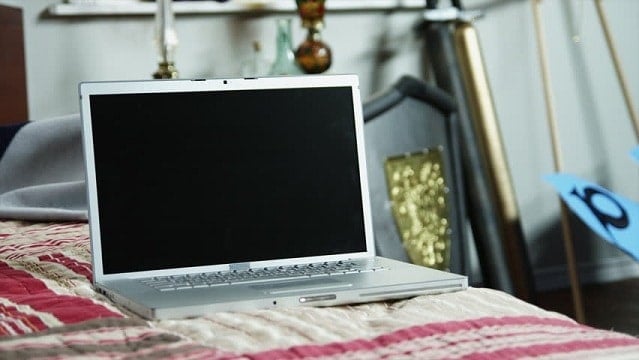
The laptop should not be placed on a soft surface, but it should be placed on hard surfaces like glass, wood, etc. Especially during gaming, it's necessary to keep the laptop on a hard surface. When placed on a soft surface, it will cause air ventilation holes to be blocked and hence cause to heat your computer.
-
cleaning

Your laptop should be cleaned after a long time of use. Dust can gather inside ventilation holes and hence can cause heat up during gaming. Using a blower can clean your laptop from dust. If a heavy amount of dust is inside, you may want to disassemble your computer and use a blower to clean up dust inside of it. Make sure that power is disconnected before you disassemble your laptop.
-
Use laptop cooler

you may want to buy an additional accessory which is called a laptop cooler. A laptop cooler can keeyourou laptop excellent while gaming because it has one or more fa, preventing it from overheating. Just place your laptop above the cooler, and you will see a noticeable difference in temperature during gaming.
-
Renew thermal paste
Thermal paste is a substance applied to the surface of the processor to transfer heat from the processor to the heat sink. The heat sink is a metal surface that is tightly placed on the surface of the processor. Thermal paste is applied between processor and heat sink. Good quality thermal paste should be used to flow heat from processor to heat sink.
-
Underclock your system
Underclocking is a process in which we run our system at lower speeds than the default speed of the factory. If the system uses more resources and is heating up during gaming, we can set a lower clock speed for the processor. However, this method will result in the slow performance of the computer.
-
If it's still heating up
If taking all of the above measures does not solve the heating issue, then this is possible that there is some hardware or software issue in your laptop.
this may be due to ;
-
Weak hardware and high graphics settings.
If your laptop has old hardware that does not support a new game or high graphics settings, it will heat up. So it's recommended to run your game at low graphics settings. Or you may want to upgrade your graphics performance unit to a higher-end one, which will support high-end gaming and higher graphics settings.
2. Faulty fan.
Modern laptops contain two or more fans inside of the computer. If one of them fails to start or malfunction then, it will cause a heat-up system. Use your ear to examine the fan voice. If there is no fan voice, then replace fan. Or you can take to repair service if the problem still exists.

You must be logged in to post a comment.