

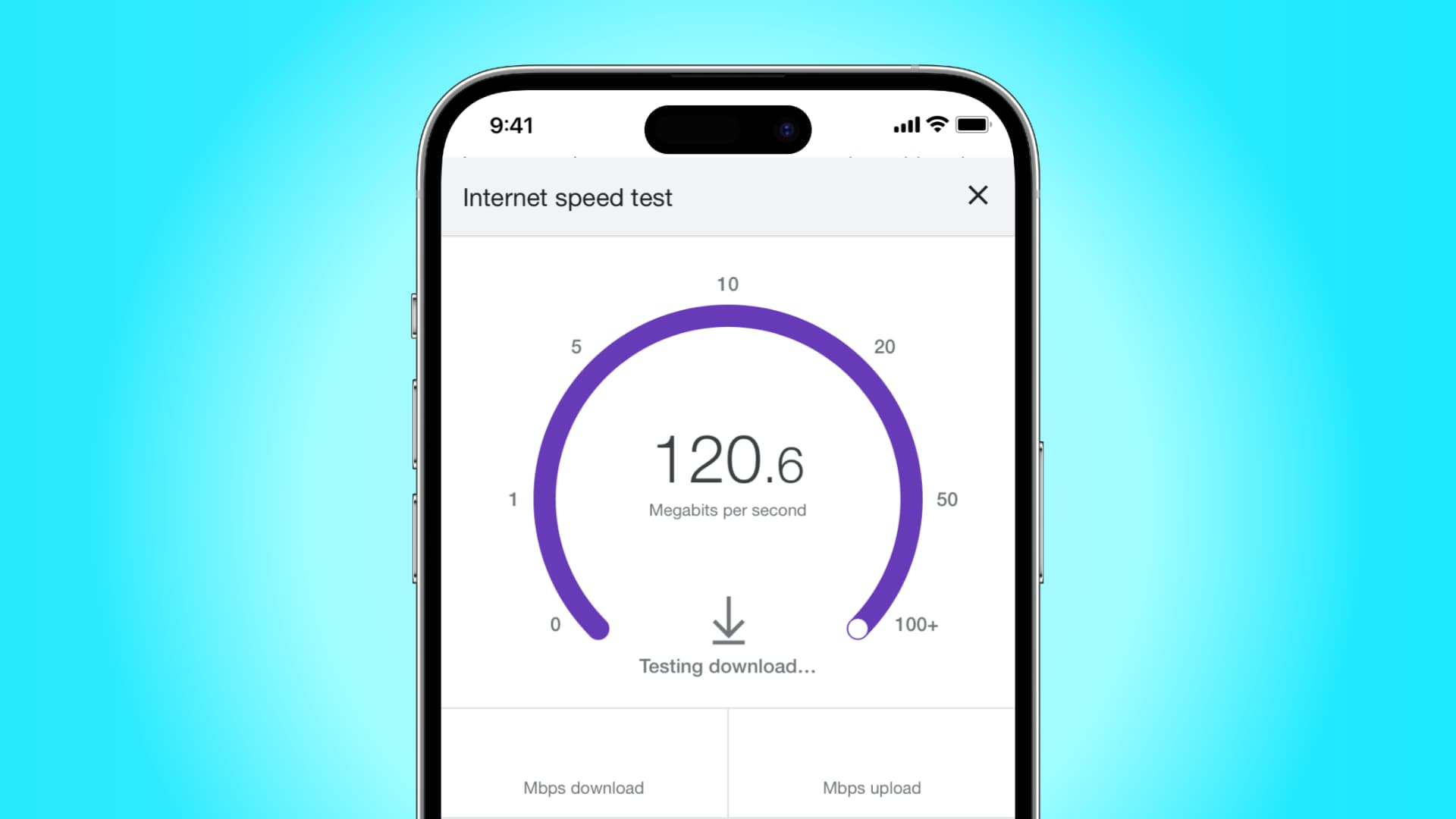
Is your iPhone crawling along the information superhighway? Are you worried about how to Increase your iPhone's Internet Speed? Don't fret! We have insider tips to rev up your internet speed and get you cruising again. Whether you're streaming, surfing, or downloading, these strategies will turbocharge your iPhone's performance and leave lagging connections in the dust.
Why Internet Speed Goes Slows on iPhone?
Network Congestion Woes
In the hustle and bustle of urban life or during peak usage times, network congestion can slam the brakes on your iPhone's internet speed. Cellular networks buckle under the strain when too many users hop online simultaneously, causing frustrating slowdowns. This issue is particularly acute in densely populated areas and at crowded events.
Outdated Software Blues
Running on old software? That could be holding your iPhone back. Regular software updates aren't just about new features; they're crucial for optimizing performance, including internet speed. If you're lagging on iOS updates, you might be missing out on crucial fixes that could supercharge your connection.
Taming Background App Beast
Those sneaky background apps could be gobbling up your data and dragging down your internet speed. Even when you're not actively using them, some apps keep churning away, slurping down your precious bandwidth. Shutting down unnecessary background apps and tweaking their settings can put the brakes on this data drain.
Signal Interference Hurdles
Wi-Fi and cellular signals can get tripped up by interference from electronic gadgets or physical obstacles. Your iPhone might be grappling with signals from routers, cordless phones, or even microwave ovens. Plus, thick walls or hefty metal objects can throw a wrench in your connection's works.
Network Settings Snafus
Misconfigured network settings could be sabotaging your iPhone's internet speed. From wonky DNS settings to misbehaving Wi-Fi networks, these issues can leave you stranded in the slow lane. Double-checking and fine-tuning your network settings might just be the ticket to a faster connection.
Pro Tips For Powering Up Your iPhone Internet Speed
Embrace the Wi-Fi Advantage
When you're craving speed, Wi-Fi is your best friend. It typically serves up faster and more stable internet than cellular data, so whenever possible, hitch your iPhone to a reliable Wi-Fi network for lightning-fast performance.
Give Your iPhone a Reboot
Sometimes, a simple restart is all it takes to kick your iPhone back into high gear. This quick fix can sweep away pesky glitches, refresh network settings, and give your device the boost it needs to zip along the internet.
Stay Up-to-Date with iOS
Don't snooze on those iOS updates—install them pronto! These updates aren't just about shiny new features; they often contain crucial fixes and tweaks that can turbocharge your internet speed and banish connectivity woes.
Master Your Apps
Don't let sneaky background apps hog all your bandwidth. Close 'em down and tweak their settings to keep them from slurping up your data and slowing you down.
Banish Signal Interference
Identify and eliminate pesky signal interference that's gumming up the works. Keep your iPhone clear of conflicting signals and obstacles, and watch your internet speed soar.
Hit the Network Settings Reset Button
If all else fails, a network settings reset might be in order. Be warned: this will wipe out all your saved Wi-Fi passwords and settings, so be prepared to start fresh.
Optimize Safari for Speed
Is sluggish browsing putting a damper on your internet experience? Tweak your Safari settings to clear out the cobwebs and speed up your online adventures.
Use VPNs Wisely
VPNs are great for security, but they can also introduce a bit of lag. If you're using a VPN, pick servers close to home to minimize the impact on your internet speed.
Conclusion
When it comes to revving up your iPhone's internet speed, a little know-how to Increase your iPhone's Internet Speed? Armed with these expert tips, you'll leave slow connections in the dust and enjoy a blazing-fast internet experience on your iPhone. So, what are you waiting for? Get ready to zoom into the fast lane of the digital highway!

You must be logged in to post a comment.