
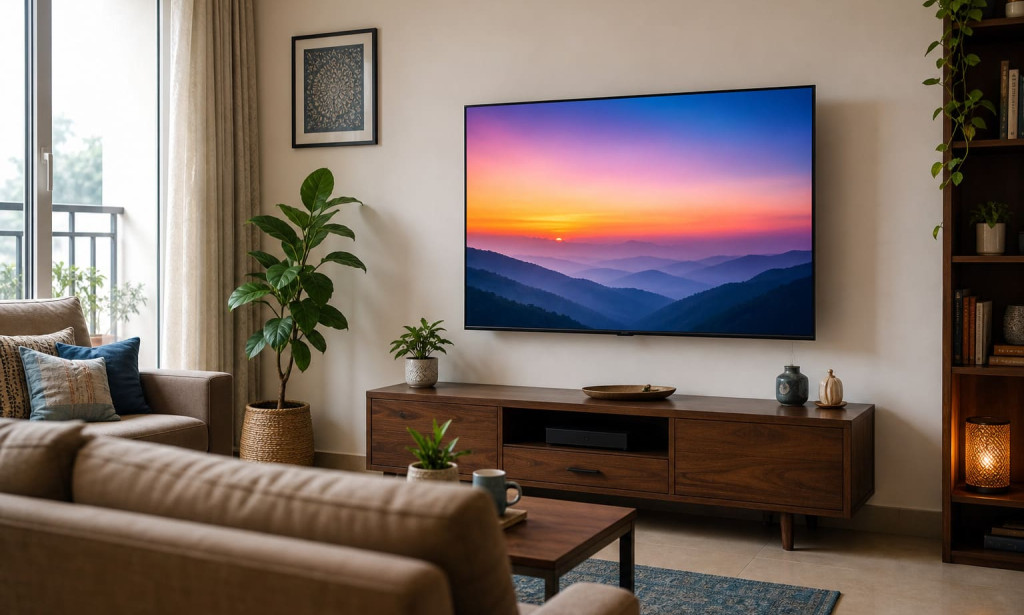
A TV specification sheet can tell you the resolution, operating system and number of ports. It cannot tell you whether the screen will feel comfortable from your sofa, whether all your devices will connect at the same time or whether dialogue will remain clear in your room.
That is why buying a television should begin with the room and viewing habits—not with a discount percentage. Complete these nine checks before comparing models.
1. Confirm What “55 Inch” Actually Measures
A 55-inch measurement refers to the screen’s diagonal, from one corner of the active display area to the opposite corner. It does not represent the television’s width.
A television in this category is commonly described as approximately 139 or 140 cm because 55 inches equals 139.7 cm. However, the complete outer dimensions vary according to the bezel, cabinet, stand design and model.
Measure the wall or TV unit where the television will be installed. If you plan to use the supplied stand, verify its width and depth as well. The feet on some televisions sit near the outer edges, which means a narrow TV unit may not provide a suitable base even when the screen appears to fit.
Also measure the route from the building entrance to the final room. The packaged television must pass safely through doors, lifts, corridors and staircases.
2. Test the Viewing Distance in Your Room
There is no single viewing distance that suits every person and every type of content. Screen resolution, room layout, visual comfort and viewing preference all influence the result.
Sony India’s viewing-distance guidance lists approximately 2.28 metres or 7.5 feet as a mixed-use reference for a 55-inch 4K television. It lists approximately 1.68 metres or 5.5 feet for a more cinematic field of view. Sony also makes it clear that these are guidelines that should be adjusted according to the viewer and room.
Measure from the expected position of your eyes—not from the back wall—to the screen. Mark the proposed screen outline on the wall with removable tape. Sit in your normal position and check whether the outline feels natural without repeatedly moving your head.
A household that mainly watches films may prefer a more immersive arrangement. A family watching news, serials and mixed-resolution broadcasts may prefer additional distance. Personal comfort should decide the final position.
3. Understand What 4K Resolution Does
A 4K Ultra HD television has a resolution of 3840 × 2160 pixels. The increased pixel count can preserve fine detail on a large display, particularly when the source is genuine 4K content.
However, a 4K label does not guarantee that every programme will look equally sharp. Picture quality still depends on the source resolution, streaming bitrate, compression, panel performance and picture processing.
A 4K film from a compatible streaming plan can look different from a heavily compressed clip or an older standard-definition channel. Before judging a television, test content similar to what your household actually watches.
Ask the retailer to demonstrate natural skin tones, subtitles, a dark scene, fast movement and a lower-resolution source. Bright promotional footage alone is not a complete picture test.
4. Compare Display Technology Without Marketing Confusion
The current Akai India collection lists a 139 cm 4K QLED Google TV. QLED televisions use a quantum-dot layer as part of an LCD-based display system to produce colour.
The term QLED does not, by itself, reveal every aspect of picture performance. Buyers should also consider brightness, contrast behaviour, viewing angles, processing and HDR support. These characteristics determine how the panel performs in a bright living room or during dark film scenes.
HDR formats can allow compatible content to use a wider range of brightness and colour information. The complete playback chain must still support the relevant format.
Dolby’s home-entertainment setup guide recommends checking compatibility across the television, source device, distribution platform and content. A Dolby logo on only one component cannot guarantee that every title will play in that format.
5. Examine the Smart Platform as Everyday Software
A television’s operating system affects app availability, recommendations, voice search, casting and software navigation. Akai’s currently listed 55-inch model is presented as a Google TV with Android 14, but buyers should verify the exact operating-system information on the live product page at the time of purchase.
Google TV can combine content suggestions from participating services. According to Google TV Help, adding streaming services to a profile enables recommendations from those services.
This convenience has practical limits. Streaming subscriptions are generally separate, app availability can differ by country, and a supported platform does not mean every paid service is included with the television.
If casting is important, confirm network compatibility. Google states that the television and casting device must be connected to the same Wi-Fi network and that the app must support Google Cast.
Before ordering, consider these questions:
- Are your essential streaming apps available?
- Is voice search useful for your household?
- Will multiple family members need separate profiles?
- Is built-in casting part of your routine?
- Can frequently used apps be opened without navigating through several menus?
A smart platform should reduce daily friction rather than merely increase the feature count.
6. Count Connections Before You Buy
List every device that may remain connected to the television: set-top box, game console, soundbar, streaming device, laptop and disc player. Then compare that list with the product’s available ports.
Akai’s indexed detailed 55-inch product information lists three HDMI and two USB connections for one model. The current collection may contain a newer or differently configured product, so the live specification table should remain the final reference.
Three HDMI ports can be sufficient for a set-top box, console and soundbar only if the required audio-return connection is available and correctly assigned. If you expect to add another device, repeated cable swapping can become inconvenient.
Port count is only the first check. Also verify:
- Which HDMI port supports ARC or eARC?
- What refresh rate is supported at 4K?
- Does the TV provide the gaming features you need?
- Are the ports accessible after wall mounting?
- Is Ethernet available if Wi-Fi performance is inconsistent?
- What file types can be played through USB?
Avoid assuming that every HDMI port has identical capabilities.
7. Match Refresh Rate to Your Real Use
Refresh rate describes how frequently a display updates its image each second. A 60 Hz panel can serve films, serials, streaming and ordinary television viewing well.
Gaming buyers should examine more than the phrase “smooth motion.” They should confirm supported resolution and refresh-rate combinations, input latency information, Auto Low Latency Mode and Variable Refresh Rate where required.
Do not assume that a software motion feature converts the panel into a native high-refresh-rate display. Motion interpolation and native refresh rate are different specifications.
The indexed detailed Akai 55-inch product page lists a 60 Hz refresh frequency and states that MEMC is not present for that listing. As Akai’s current collection displays a newer product title, confirm these points on its live specification sheet instead of applying older details automatically.
8. Treat Sound as a Complete Playback Chain
Built-in TV speakers may be adequate for news, casual streaming and everyday programmes. Room size, wall surfaces, background noise and seating position can still affect dialogue clarity and bass response.
If you plan to use a soundbar, check the television’s audio-return connection and supported audio formats. Dolby explains that compatible content, playback equipment and audio devices all matter when setting up Dolby Atmos.
A television that can decode an audio format does not necessarily produce the same effect as a dedicated soundbar or surround system. Built-in speakers and a multi-speaker setup are different listening arrangements.
Test spoken dialogue at a moderate volume. Clear voices are often more useful in daily viewing than an impressive short burst of bass in a showroom.
9. Verify Installation, Warranty and Return Conditions
A large television is a fragile product, so after-sales terms deserve the same attention as picture specifications.
Akai’s current collection page provides official contact routes, while an indexed product listing mentions free installation and a one-year comprehensive warranty. Exact coverage can vary by product or offer, so verify the following in writing:
- Warranty period and covered components.
- Installation process and expected timeline.
- Whether the wall-mount bracket is included.
- Service availability for your PIN code.
- Rules for reporting transit or installation damage.
- Return or replacement conditions.
- Whether an unboxing or working video is required.
Do not install the television independently before checking whether this could affect the seller’s damage or installation process. Inspect the package and follow the current official instructions.
Is the Current Akai 55 Inch TV Suitable for You?
As reviewed on 14 July 2026, Akai India’s collection displays one 139 cm 4K Ultra HD Smart Google QLED TV described with Android 14 and Power View.
That combination may suit a buyer looking for a large 4K QLED screen with Google TV features. Suitability still depends on room dimensions, desired ports, gaming expectations, audio setup and current after-sales terms.
The most reliable approach is to use the official 55 inch TV collection page as the purchase-time source for the exact model, current specifications, availability and policies. Product information and pricing may change, so avoid relying on an old screenshot or third-party summary.
Final 55 Inch TV Buying Checklist
Before placing the order, confirm that you can answer “yes” to each relevant question:
- Does the complete TV fit the wall or furniture—not just the diagonal screen?
- Does the viewing distance feel comfortable with your usual content?
- Have you tested both 4K and lower-resolution video?
- Is the smart platform compatible with your important apps?
- Are there enough suitable ports for every permanent device?
- Does the refresh rate meet your viewing or gaming needs?
- Is dialogue clear in your expected room?
- Are installation, warranty and damage-reporting rules understood?
- Have all specifications been verified on the current official product page?
A useful television purchase is not the model with the longest feature list. It is the model whose size, software, connections, sound and support conditions fit the household’s actual routine.

You must be logged in to post a comment.