
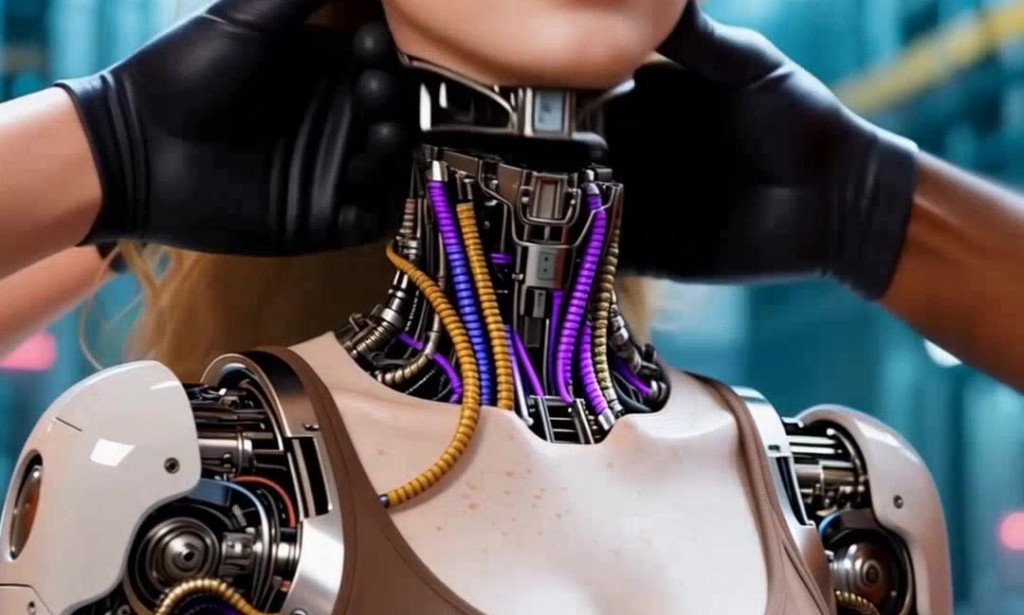
Video content now drives over 80% of all internet traffic, and digital marketers who ignore this trend risk falling behind competitors who capture audience attention in seconds. The challenge? Producing high-quality videos traditionally demands expensive software, professional editors, and hours of production time — resources most marketers simply don't have.
That's where image to video AI free tools are changing the game entirely. By transforming static images into dynamic, engaging videos within minutes, AI-powered generators eliminate the technical barriers that once made video production a specialist's job. Whether you're promoting a product, building brand awareness, or crafting social media campaigns, these tools put professional-grade video creation within reach — at zero cost.
This guide is designed specifically for digital marketers looking to streamline their content workflow without sacrificing quality. You'll discover how image-to-video AI works, which free tools deliver the best results, and a practical step-by-step process to create your first AI video today. If you've ever wished video creation could be faster, cheaper, and smarter, the solution is already here.
Understanding Image to Video AI and Its Marketing Benefits
What is Image to Video AI?
Image to Video AI is a technology that uses machine learning models to animate pictures — transforming static photographs or graphics into fluid, dynamic videos. By analyzing visual elements like depth, texture, and composition, the AI applies motion effects, transitions, and animations that bring still images to life. What once required complex video editing software and technical expertise now happens automatically, making professional-looking video content creation accessible to anyone with a browser and an image file.
Why Digital Marketers Need It
Digital marketers operate under constant pressure to produce fresh content across multiple platforms simultaneously. Image to Video AI generators solve this by converting existing brand assets — product photos, campaign graphics, customer images — into scroll-stopping videos within minutes. Instead of building campaigns from scratch, marketers can repurpose what they already have. Use cases span social media ads where motion drives higher click-through rates, email campaigns where animated thumbnails boost open rates, and product showcases where dynamic videos communicate value far more effectively than static images ever could. Speed, engagement, and cost-effectiveness make this technology indispensable for modern marketing workflows.
Top Free Tools for Image to Video AI Generation
The market for free image to video AI generators has expanded rapidly, giving digital marketers genuine options that deliver professional results without subscription fees. Choosing the right Image to Video AI Generator depends on your specific workflow — whether you need quick social media clips, polished product showcases, or animated ad creatives. Below are standout platforms worth exploring, along with the features that matter most for marketing applications.
Review of Popular Free AI Generators
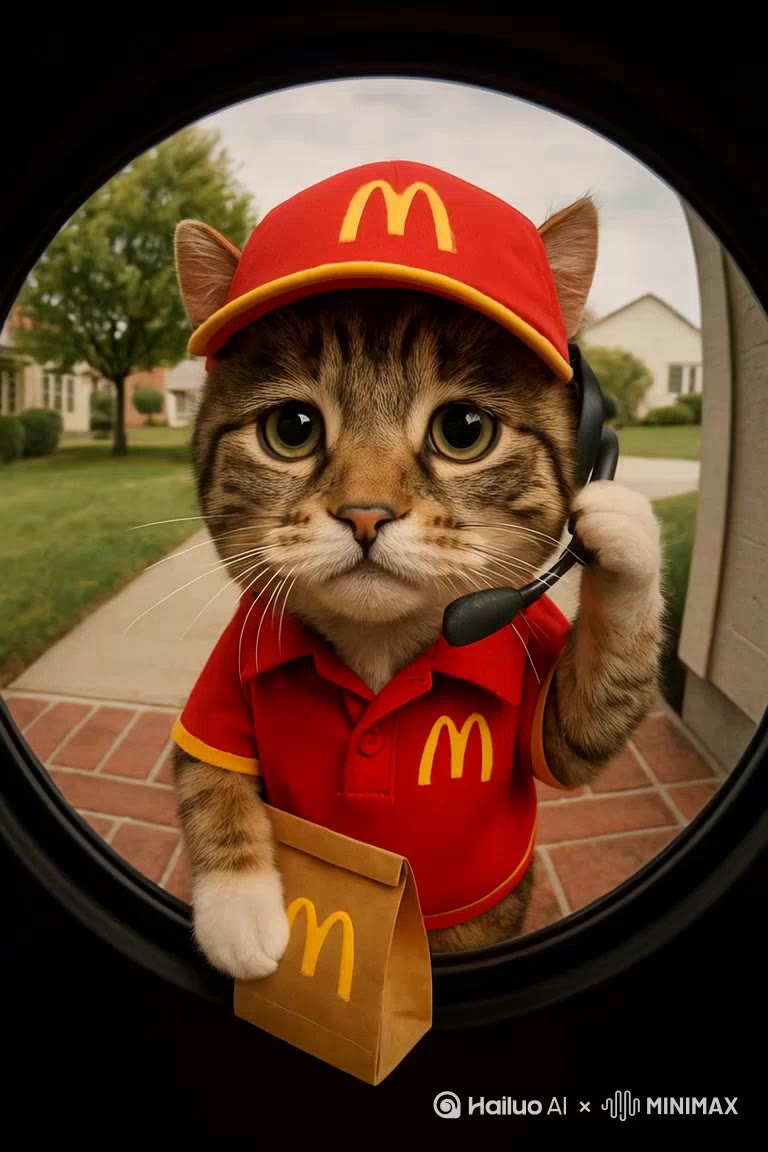
Runway ML offers a free tier that lets marketers animate pictures with impressive motion consistency, making it ideal for product and lifestyle imagery. Pika Labs delivers fast, text-prompted video generation from static images, with results well-suited for social media campaigns. Kling AI provides smooth, cinematic motion effects that elevate brand visuals without requiring editing experience. HailuoAI is another platform gaining traction among marketers for its accessible interface and ability to generate fluid, realistic motion from still images at no cost. Canva's AI video tools integrate directly into its design ecosystem, making it convenient for marketers already working within that platform. Each tool has trade-offs — Runway excels in quality but limits free exports, while Pika prioritizes speed over fine-grained control. Testing two or three against your actual content needs is the fastest way to find your best match.
Key Features to Consider
When evaluating any free tool for video content creation, four features separate genuinely useful platforms from frustrating ones. First, customization options — can you control motion speed, direction, and intensity, or does the AI make every decision? Second, template libraries matter enormously for marketers who need consistent branded output across multiple campaigns without starting from scratch each time. Third, export settings determine real-world usability: check whether the free plan supports HD resolution and common formats like MP4. Finally, look at processing speed and watermark policies — some free tiers add visible branding to exports, which undermines professional campaigns. Prioritize tools that offer clean exports, even at lower resolutions, to maintain brand credibility across every channel where your dynamic videos appear.
Step-by-Step Guide to Creating Your First AI Video
Preparing Your Images for Best Results
Image quality directly determines how well AI tools animate pictures into polished videos. Start with high-resolution files — ideally 1080p or higher — in JPG or PNG format. Choose images with clear focal points and uncluttered backgrounds, since AI motion algorithms perform best when the subject is visually distinct. Avoid heavily compressed or blurry files, as artifacts amplify during animation. Landscape and square orientations typically produce the most versatile output across social media platforms.
Using the AI Tool: A Walkthrough
The following process applies broadly across most free image to video AI platforms, using Pika Labs as the reference example due to its accessibility and speed.
First, create a free account and navigate to the video generation dashboard. Upload your prepared image directly — most tools accept drag-and-drop. Once uploaded, you'll see animation style options ranging from subtle camera movements like pan and zoom to more dramatic motion effects. For product marketing, a slow zoom combined with a slight parallax effect creates professional depth without overwhelming the subject.
Next, enter a text prompt describing the motion you want. Be specific: "slow zoom into product with soft light shift" produces far better results than simply "animate." Adjust duration — four to six seconds works well for social ads — then set the motion intensity to low or medium to keep visuals controlled and on-brand.
Hit generate and review the output. Most free tools produce a preview within thirty to ninety seconds. If the motion feels too aggressive or misaligned with your focal point, regenerate with a refined prompt or reduced intensity. Once satisfied, download the MP4 file. Check whether the free tier has added a watermark before publishing — if so, consider platforms like Kling AI or Canva that offer clean exports at no cost. The entire process from upload to download typically takes under ten minutes, making rapid iteration across multiple assets entirely practical for busy marketing workflows.
Adding Effects and Customizations
Once your base video is generated, layering additional elements transforms a simple animation into a campaign-ready asset. Add text overlays directly within tools like Canva — use concise, high-contrast copy that communicates your core message within the first two seconds. Background music from royalty-free libraries such as Pixabay Audio reinforces emotional tone without licensing risk. Transition effects between multiple clips should remain consistent to maintain brand cohesion across a video series. Keep total customization time under fifteen minutes per asset to preserve the efficiency advantage that image to video AI free tools provide in the first place.
Best Practices for Effective Video Content Creation
Producing AI-generated videos is only half the equation — how you craft and deploy them determines whether they actually move the needle in your marketing campaigns. Dynamic videos succeed when they combine technical quality with clear storytelling and strategic placement. The best results come from treating AI generation as a starting point, not a finished product, and applying deliberate creative decisions at every stage of the process.
Crafting Compelling Visual Stories
Every effective marketing video — regardless of length — follows a simple narrative arc: establish context, present value, and prompt action. When animating pictures into video content, choose images that already communicate a clear message on their own, then let motion amplify that message rather than distract from it. Maintain visual consistency across a campaign series by using the same color palette, typography, and motion style. This builds brand recognition as audiences encounter your content across different platforms. Keep your audience's perspective central — a product video targeting Gen Z on TikTok demands faster pacing and bolder motion than a B2B showcase on LinkedIn. Tailoring both the visual story and the animation style to your specific audience segment consistently outperforms generic, one-size-fits-all video content creation.
Leveraging AI Videos in Marketing Campaigns
AI-generated videos integrate naturally across every major marketing channel when deployed with intention. On social media, short four-to-six-second clips with animated product imagery perform strongly as paid ad creatives — motion captures attention in crowded feeds where static images scroll past unnoticed. For email campaigns, embedding an animated thumbnail linked to a landing page increases click-through rates by signaling dynamic content ahead. In e-commerce, product page videos generated from existing photography reduce the need for dedicated video shoots while improving conversion rates. Repurpose a single AI video across Instagram Reels, Facebook Ads, and Google Display simultaneously to maximize output from one asset. This multi-channel approach makes image to video AI free tools genuinely scalable for marketers managing high content volumes with limited resources.
Transform Your Marketing with Free AI Video Tools
Creating professional video content no longer requires expensive software, dedicated production teams, or hours of editing. Image to video AI free tools have fundamentally changed what's possible for digital marketers working with limited time and budget. By converting existing brand assets into dynamic videos within minutes, these platforms remove the biggest obstacles that once kept video production out of reach for most marketing teams.
The path forward is straightforward: select high-quality images with clear focal points, choose a free AI generator that matches your workflow — whether that's Runway ML, Pika Labs, Kling AI, HailuoAI, or Canva — and follow a simple upload-prompt-download process that takes under ten minutes per asset. Layer in text overlays, royalty-free audio, and consistent motion styles to build campaign-ready content that performs across social media, email, and e-commerce channels simultaneously.
The marketers who move fastest on this technology will hold a genuine competitive advantage. Start with a single product image today, run it through a free AI generator, and publish the result. The quality will speak for itself — and the time you save will compound across every campaign that follows. Image to video AI isn't a future trend. It's a practical tool available right now, at zero cost, waiting to transform how you create and distribute video content.

You must be logged in to post a comment.