

Free Fire MAX offers an action-packed premium battle royale experience. The game is available on leading mobile app stores with eye-catching dynamics. It can also be played on PCs with the help of emulators.
Gamers can find lots of emulators on the internet with various features and incompatibilities. However, it can be difficult for those with low-end PCs to find suitable options.
Most suitable Free Fire MAX emulators for low-end PCs in India
1
Blue Stacks is the most commonly used emulator for running mobile applications and games on PCs. Users can also run the game on the emulator by installing the platform.
Upon successful installation, they must log in with their credentials to access the Google Play Store. After that, players can download the title and enjoy it on their PC setup.
Minimum system requirements (Source: Blue Stacks)
- OS: Microsoft Windows 7 and above
- Processor: Intel or AMD Processor
- RAM: PC must have at least 2 GB of RAM (Note that having 2 GB or more disk space is not a substitute for RAM)
- HDD: 5 GB free disk space
2. NOX Player
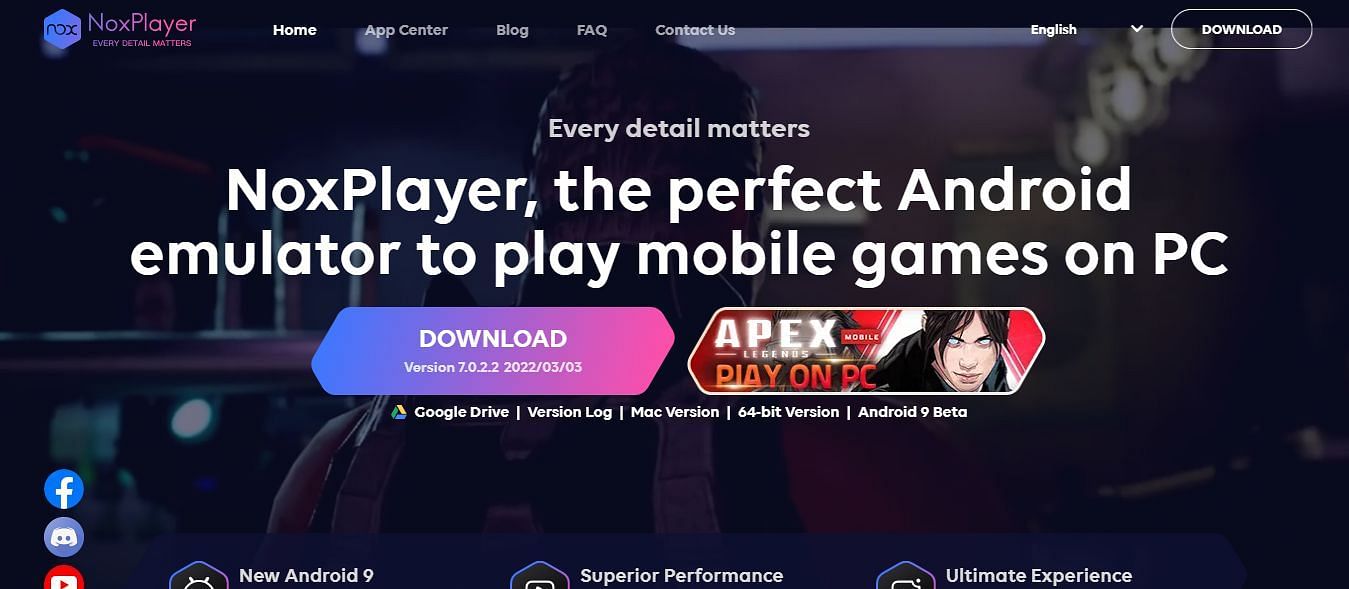 has many good features (Image via NOX Player)
The second-best emulator to run Free Fire MAX without any fuss is NOX Player. It offers a range of customizations for different in-game controls. Users can easily customize various buttons for different mechanisms like shooting, crouching, and jumping.
They can head to this website to download the emulator.
Minimum system requirements (Source: Menu)
- Two cores x86/x86_64 Processor (Intel or AMD CPU)
- Win XP SP3 / Win7 / Win8 / Win10 (Not recommended for running on Server/Enterprise)
- The Latest Windows DirectX 11 / Graphics driver with OpenGL 2.0
- Hardware Virtualization Technology (Intel VT-x/AMD-V) shall be enabled in BIOS
- 2 GB of RAM (4 GB for x64 system)
- 5 GB of hard disk free space
Note: This list is not in any particular order and purely reflects the writer's opinion.
Steps to Download Free Fire MAX on Windows PC
The procedures for downloading the game on all the Emulators described above are identical because they all require the use of the Google Play Store:
Step 1: Download and install any one of the Emulators mentioned above. Subsequently, users can open them and sign in with their Google accounts.
Step 2: As the next step, they can boot up the Play Store application and search for Free Fire MAX.
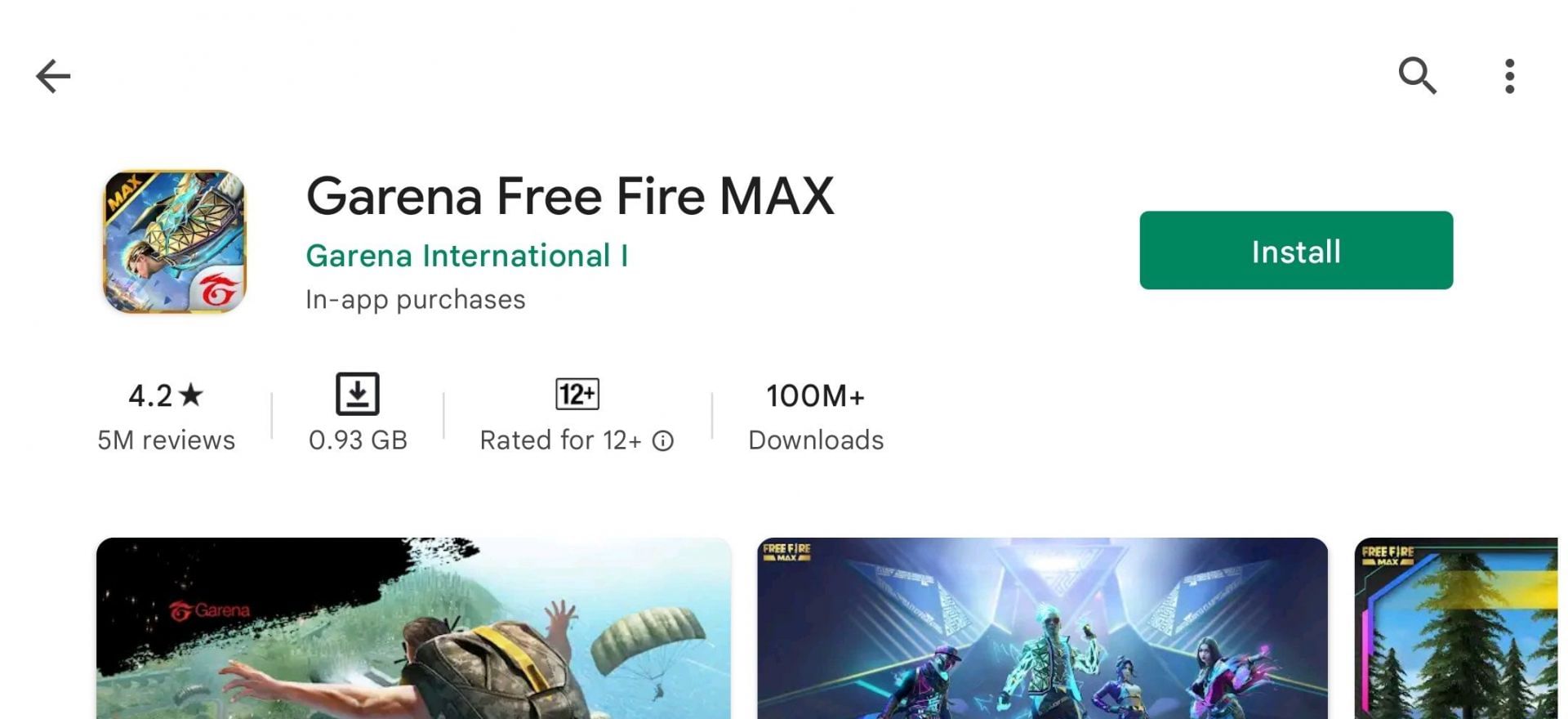 Users should press 'Install' (Image via Google Play Store)
Step 3: Gamers can finally press ‘Install’ to get the game on their PCs.
Step 4: After the download process is complete, players can open the battle royale title and sign in with their accounts.
Settings
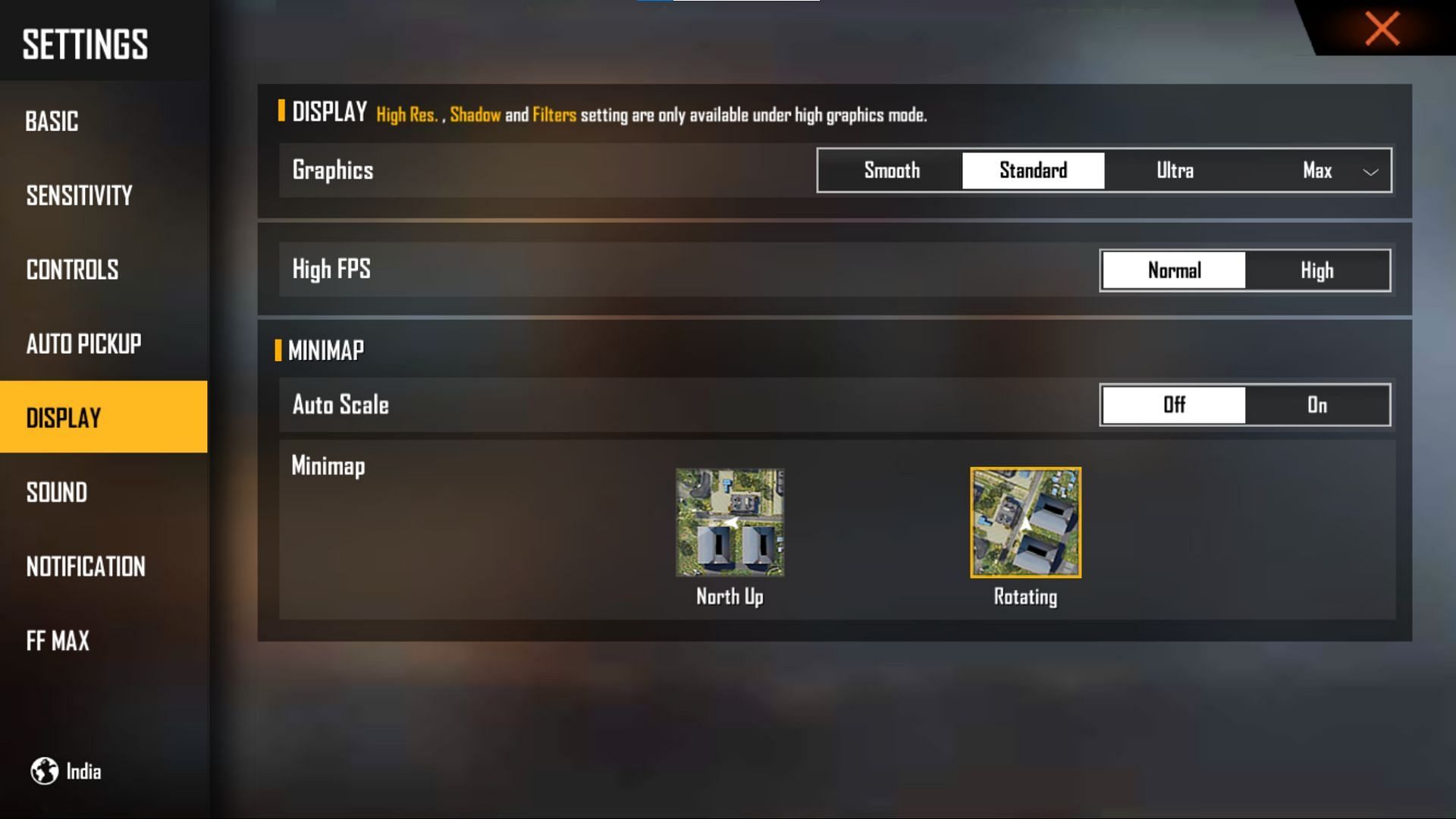 should be based on the preference (Image via Galena)
The specifications of their PC or Laptop are an essential consideration when configuring the settings of an emulator.
With low-end PCs, those who want a seamless gameplay experience are advised to use the lowest available graphic settings, while individuals with high-end hardware may enjoy the battle royale title in the highest possible settings.
Furthermore, the player’s general preferences will dictate the sensitivity settings and other choices like key binds.

You must be logged in to post a comment.